

Understanding Xbox backwards compatibility: features and limits
Introduction: why Xbox backwards compatibility matters
Backwards compatibility is a key issue for many console owners: it protects players’ libraries, preserves classic games and adds value to newer hardware. For Xbox users, backwards compatibility determines whether Xbox 360 and original Xbox titles can be played on Xbox One and the Xbox Series X|S. With many gamers holding decades of digital purchases and physical discs, understanding how Microsoft’s compatibility approach works is important for buying, selling and enjoying legacy games.
Main details: what works, how and why it matters
How compatibility is delivered
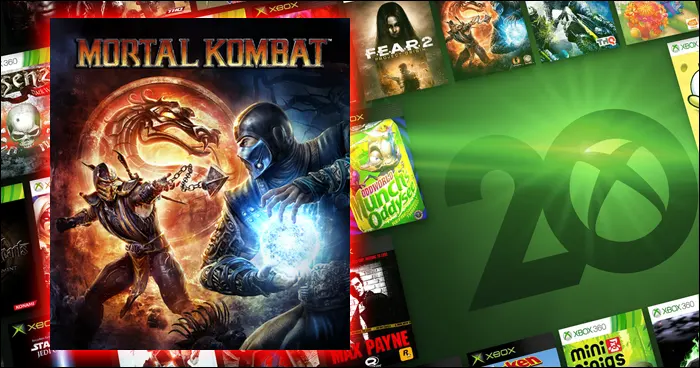
Microsoft provides backwards compatibility through software emulation on Xbox One and Xbox Series X|S. A sizeable catalogue of Xbox 360 and original Xbox games has been made playable; many appear on Microsoft’s official compatibility list. Players can use original discs (where supported) or redeem eligible digital purchases—the console checks ownership before allowing play. On Series X|S, compatible titles benefit from the newer hardware when possible.
Enhancements and modern features
Many backward compatible games receive enhancements when run on modern consoles. Auto HDR can add high dynamic range to older titles that did not originally support it, and FPS Boost can increase frame rates in selected games. On Series X|S, faster CPUs and SSD storage also yield shorter load times and smoother performance. Titles that are specially optimised for Series X|S may carry an “Optimised for Xbox Series X|S” tag or be offered through Smart Delivery when developers provide native upgrades.
Limits and caveats
Not every game is supported. Licensing restrictions, publisher decisions and technical limitations mean some titles are excluded. Online features may not function if legacy servers have been retired, and certain DLC or platform-specific content requires the original licence. Physical discs generally require the disc to be present to authenticate ownership.
Conclusion: practical takeaways
Xbox backwards compatibility gives many players continued access to older libraries while improving performance and visuals on modern consoles. For buyers, it’s worth checking Microsoft’s official compatibility list and noting any DLC or online restrictions before repurchasing. While not exhaustive, the programme extends the longevity of games and helps preserve gaming history as players transition to newer Xbox hardware.